Getting Started
Installation
How to install EOS Integration Kit in your Unreal Engine project
-
Purchase or download EOS Integration Kit from Fab Marketplace.
-
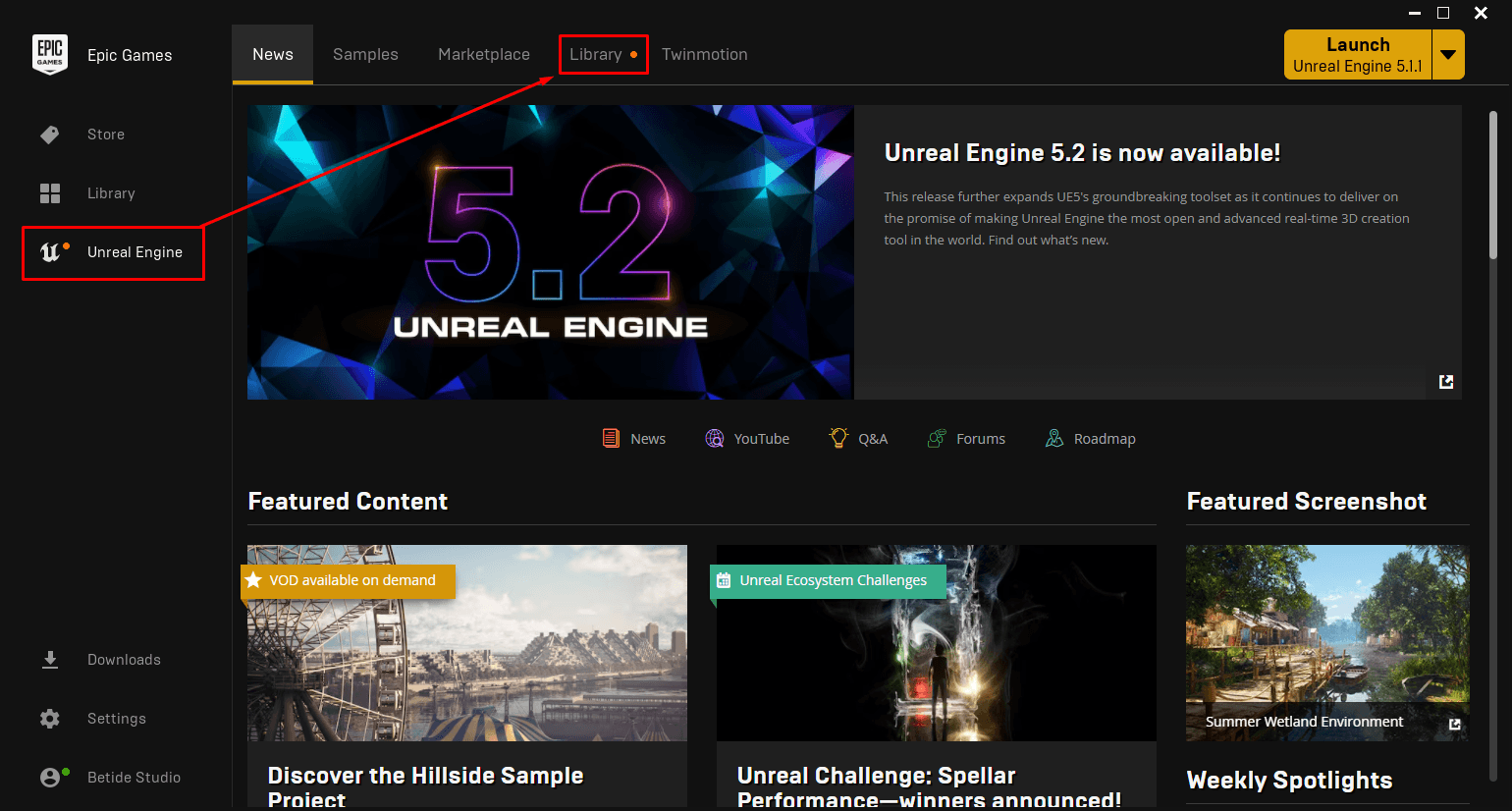
Open Library in the Unreal Engine section of the Epic Games Launcher.
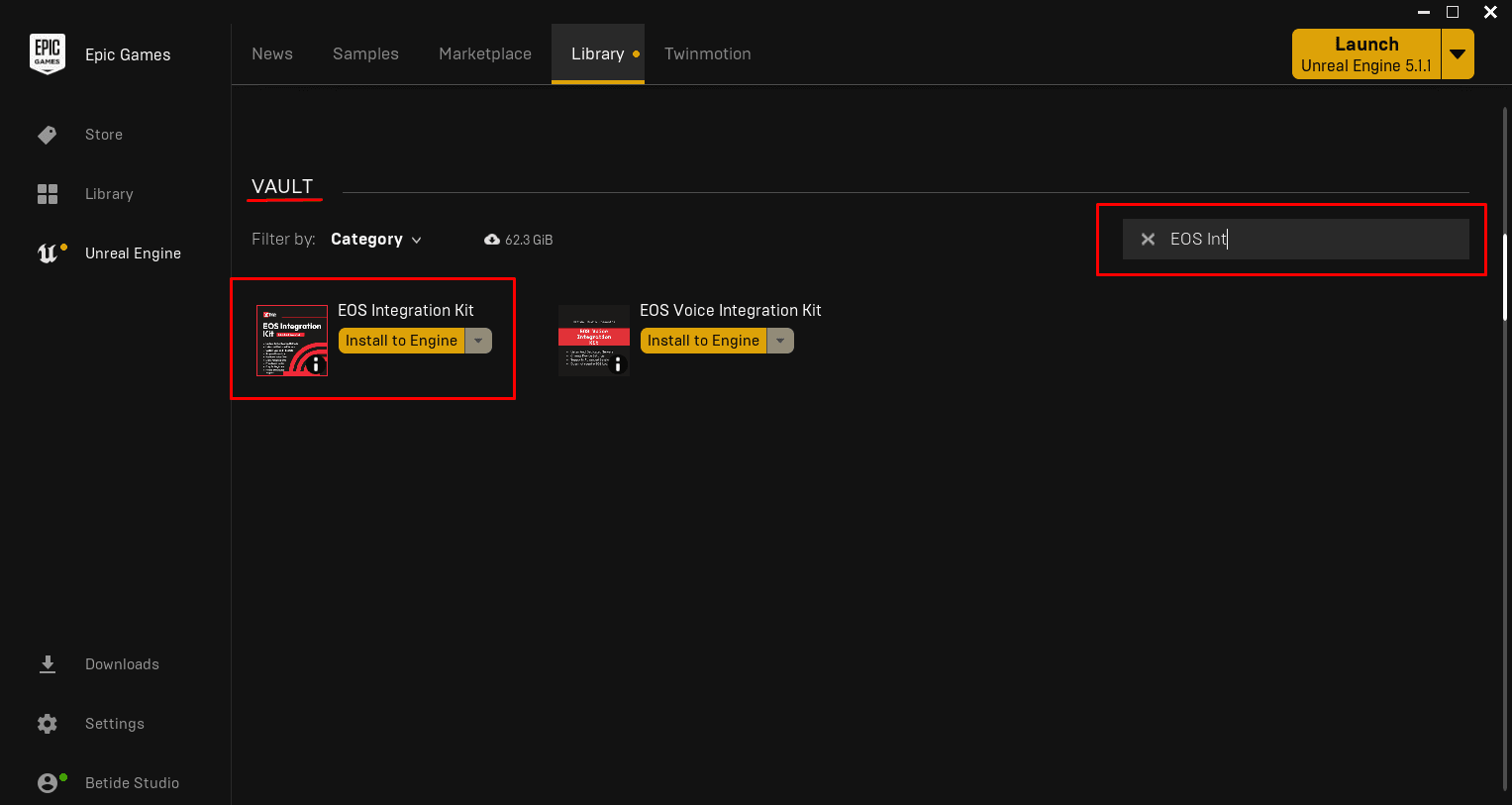
- Go to the Vault section and click Install to Engine on
EOS Integration Kit.
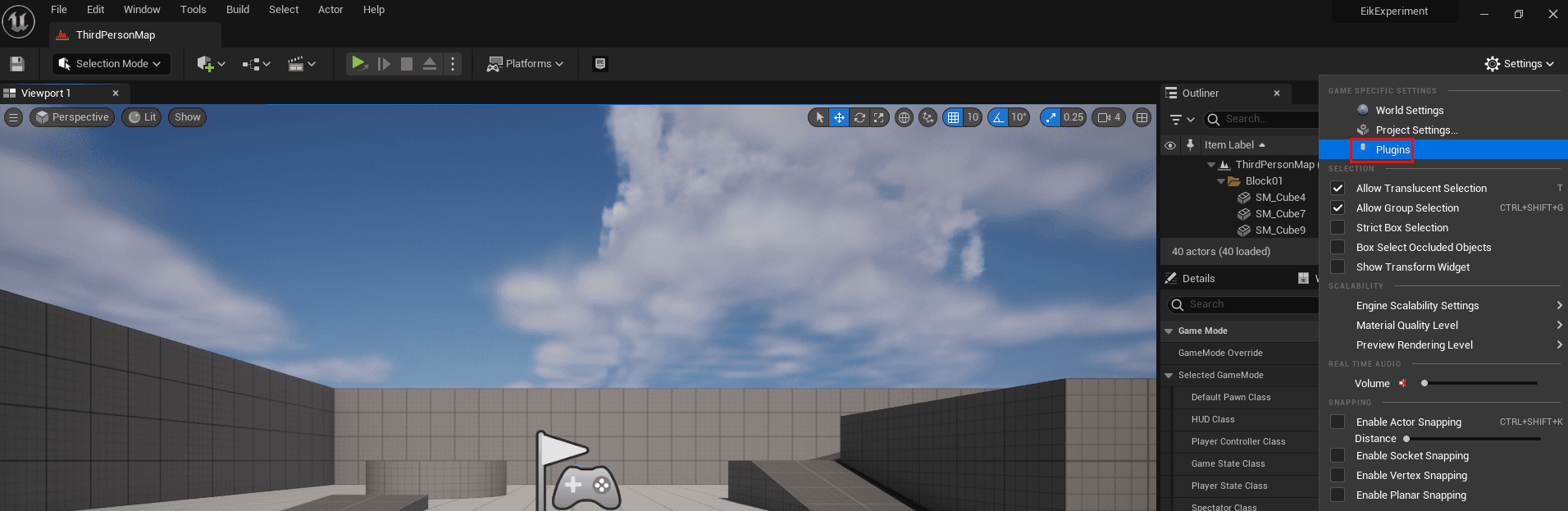
- Open your project in Unreal Engine, then open the Plugins window via Edit → Plugins.
- Search for "EOS Integration Kit" and enable the plugin by checking the box.

- Restart the Unreal Engine editor when prompted.
Done! You've successfully installed the plugin. Head over to Configuration to set up your EOS credentials.